AI Vision Software: Training, Inspection Flows and Edge Deployment
Build an industrial vision workflow with offline training, visual inspection configuration and edge deployment, validated against your parts and line interfaces.
Build an inspection workflow around the quality question
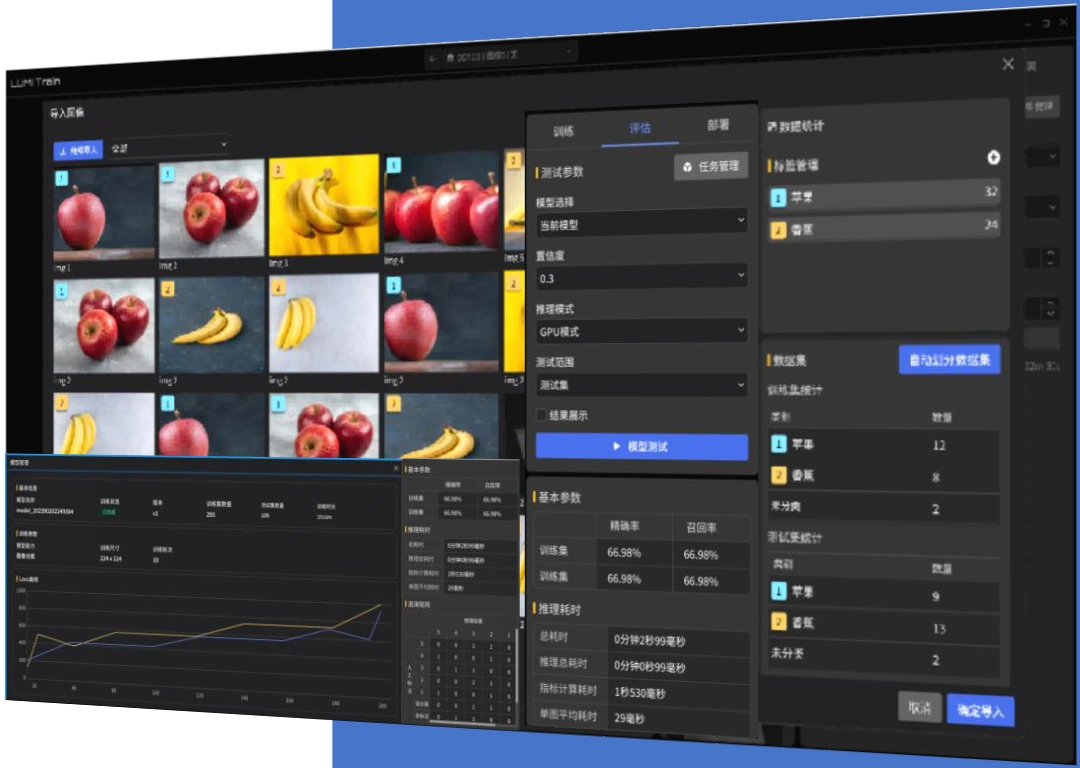
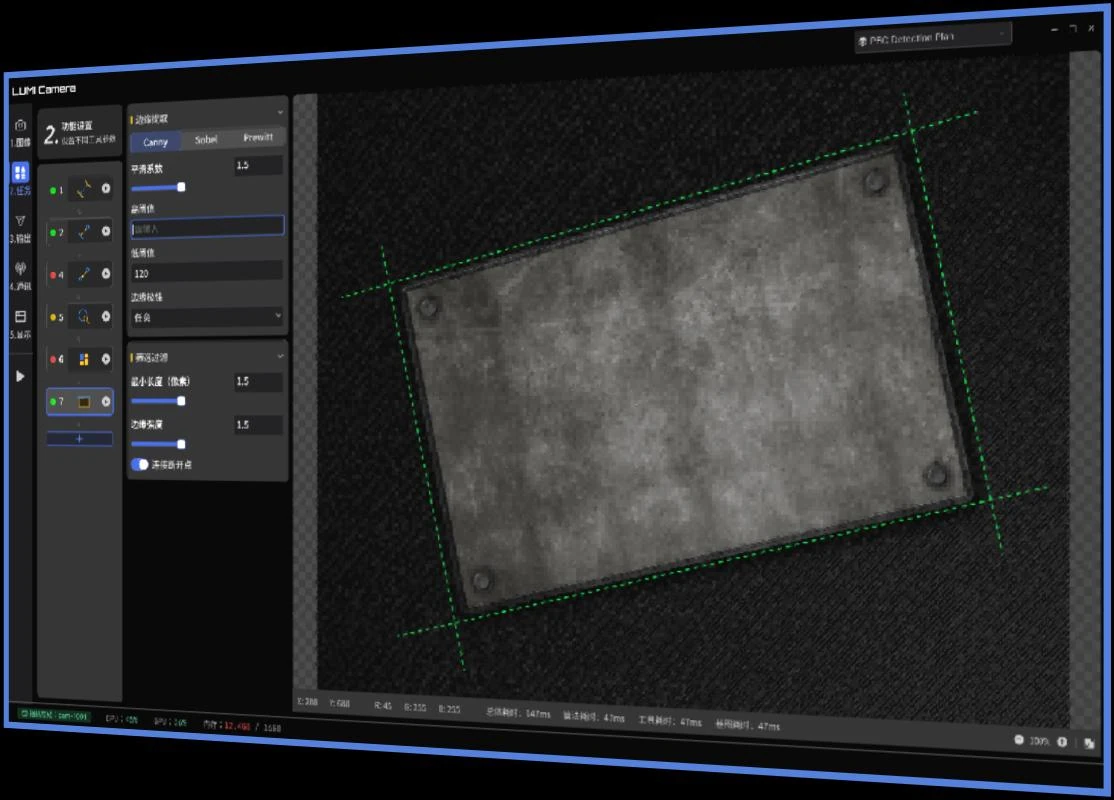
LumiTrain organizes data, assisted labeling and offline model training. LumiMaster combines operators, recipes, production displays, logs, users and equipment communication in a visual inspection application. LumiCamera serves edge-module configuration. Each tool has a different role; the appropriate combination depends on the inspection task and the equipment on the line.
From production samples to a controlled model release
- Data assets: collect representative OK, NG and borderline parts, with batch, product and imaging context.
- Assisted annotation: use LumiSAM proposals, then review regions and defect labels against the agreed standard.
- Sample generation: use physically plausible generated defects to supplement scarce training data; keep their provenance.
- Multi-task training: select classification, detection, segmentation or OCR from the required output.
- Industrial deployment: validate the model, operators, imaging and result interface on the selected target hardware.
- Feedback: review production exceptions, prepare a later version and repeat independent validation before a controlled release.
Offline training supports production inference as a development branch. A production camera image does not need to pass through retraining before every decision. Separate training, tuning and independent real test sets by part or batch to prevent leakage.
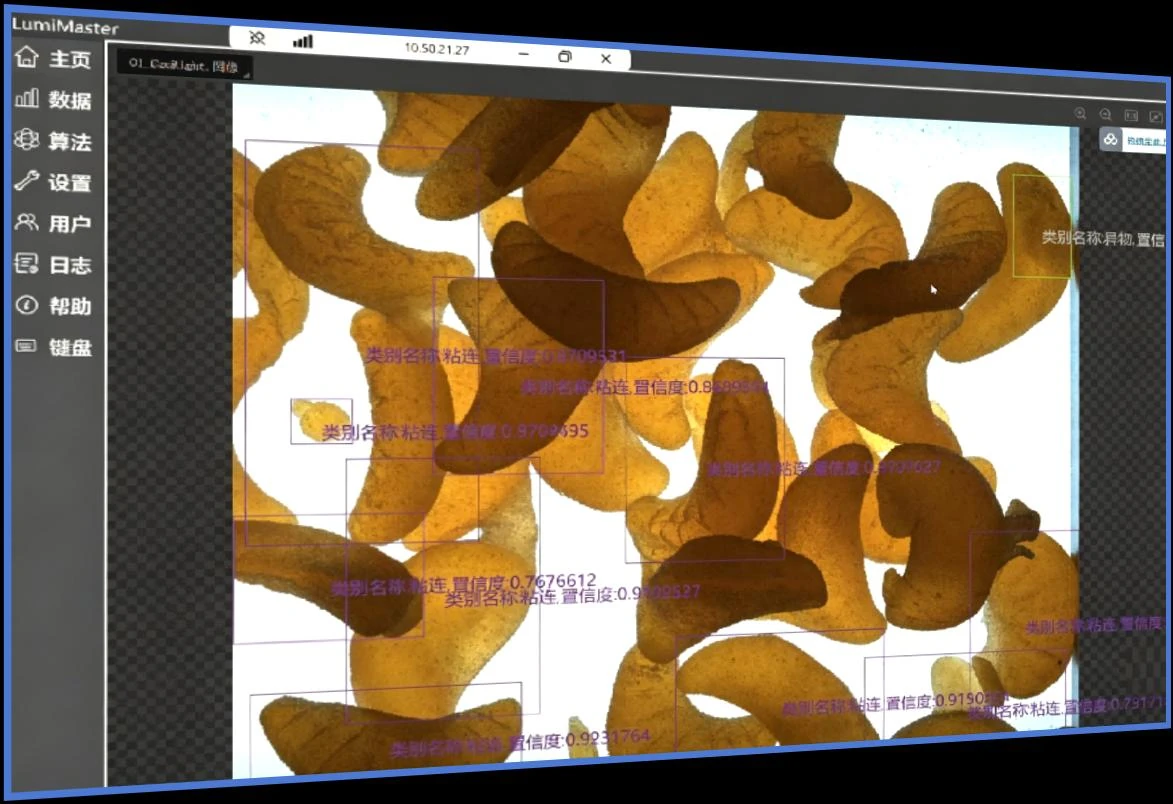
Configure the inspection application with LumiMaster
The visual flow combines conventional operators and learned models with recipes and production interfaces. No-code configuration reduces repetitive coding; optics, calibration, thresholds, timing and exception handling remain engineering tasks.
- Production and result displays; motion control and I/O; maintenance tools.
- Production logs, audit and data review; user management.
- Algorithm and communication management; recipes and product/batch management.
Select the software role before choosing hardware
| Tool | Documented role | Confirm for the project |
|---|---|---|
| LumiTrain | Offline model and dataset development | Tasks, export/deployment format, target compute and license |
| LumiMaster | Inspection flows, recipes, displays and communication | Operator set, interface roles, logging and exception behavior |
| LumiCamera | Edge smart-module configuration | Exact camera/controller, firmware and supported functions |
| LumiSOP | Process-recognition direction; earlier matrix says in development | Current modules, licensing and delivery scope |
View source diagrams and interface examples
Engineering questions
Can a no-code workflow be deployed without an imaging trial?
No. Validate visibility, lighting, positioning, calibration, model performance and the trigger-to-result interface on representative parts and the actual hardware.
Can generated defects replace real NG samples?
They can supplement training when physically plausible. Use a separate real test set to measure defect escapes, false rejects and invalid images; do not report synthetic-only results as production acceptance.
Will a model update automatically change decisions on the line?
Define dataset, recipe and model versions and a controlled release procedure. Reviewed production data may support a later model, which must be validated before deployment.
Connected technologies
Evaluate your inspection task
Send representative good and defective parts or images, acceptance limits, part dimensions, target cycle time, installation constraints and PLC or robot interface details. Include operation video and the SOP for a process-recognition task. Agree the trial, acceptance method and available modules before selecting a production configuration.